How-to
Attach a Stone Island replacement badge without damaging it
The safest install is slow and simple. Align the badge, support the felt, tighten the buttons carefully, and stop before the badge starts to bend.
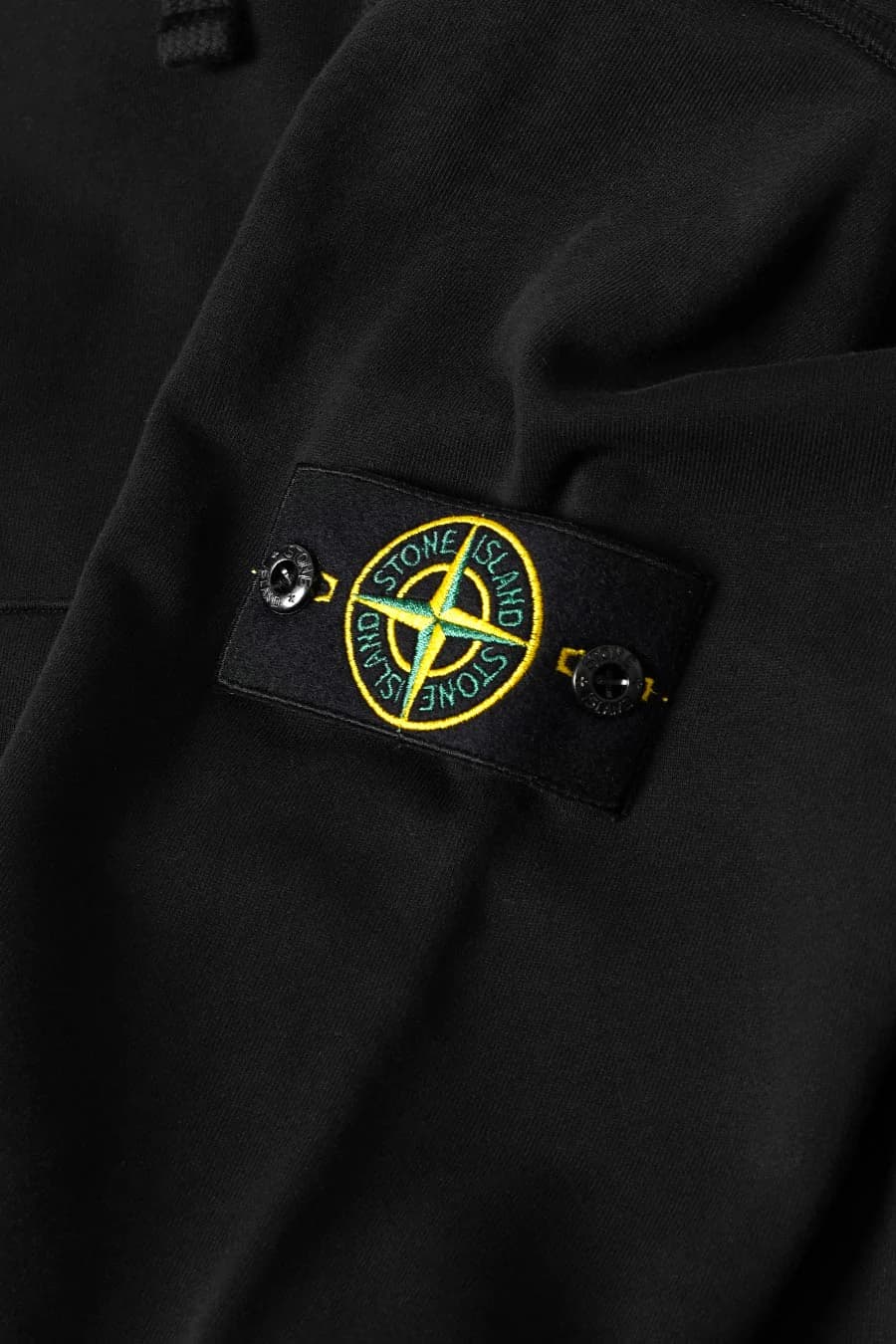
Before you start
Work on a flat surface and keep the sleeve supported so you are not forcing the badge into place in mid-air. This stops the felt from flexing while you tighten the buttons.
- Check the sleeve attachment points first.
- Confirm that the button threads are clean and undamaged.
- Do a dry fit before tightening both buttons.
After the badge is attached
Once installed, check that the badge sits flat and that both buttons feel equally secure. If one side is tighter than the other, remove it and align it again rather than forcing the felt to settle.
Step-by-step
Lay the sleeve flat
Place the garment on a flat surface so the sleeve attachment area is easy to support from underneath.
Line up the badge holes
Hold the badge over the attachment points and make sure the felt sits square before inserting the first button.
Secure the first button gently
Tighten the first button just enough to keep the badge in place while you align the second side.
Attach the second button
Fit the second button and adjust both sides until the badge lies flat and the compass sits level.
Check the finish
Inspect the badge from the front and side. Refit it if the felt is pulling, twisting, or bowing outward.
Frequently asked questions
Can you damage a Stone Island badge when attaching it?
Yes. The most common mistakes are over-tightening the buttons, bending the felt during fitting, and forcing a badge onto the wrong sleeve spacing.
_1.webp&w=3840&q=75)
_1.webp&w=3840&q=75)
_1.webp&w=3840&q=75)